Startup ideas, one keystroke away
Ideas is a native app for your Mac, with an iPhone app on the way. Same feed, same account, same free browsing as the website.
 Coming soonIdeas for iPhone
Ideas for Mac
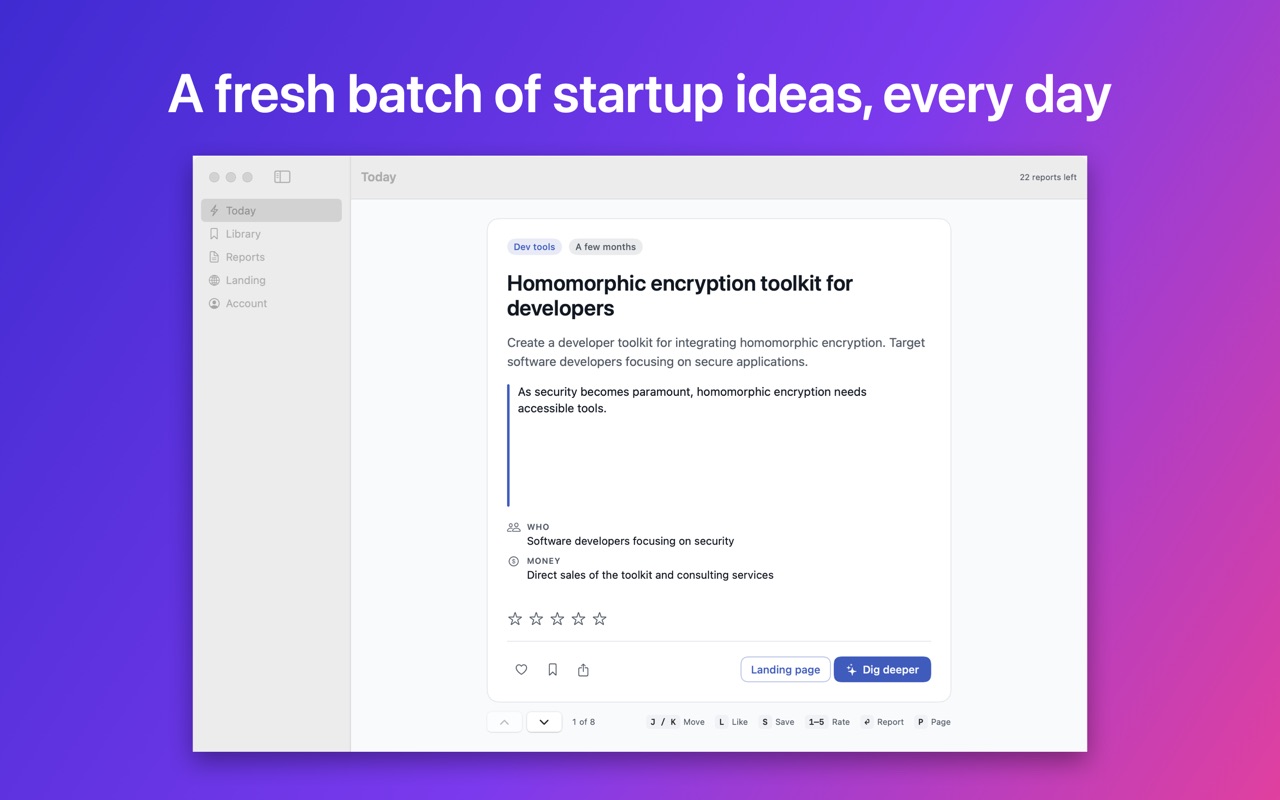
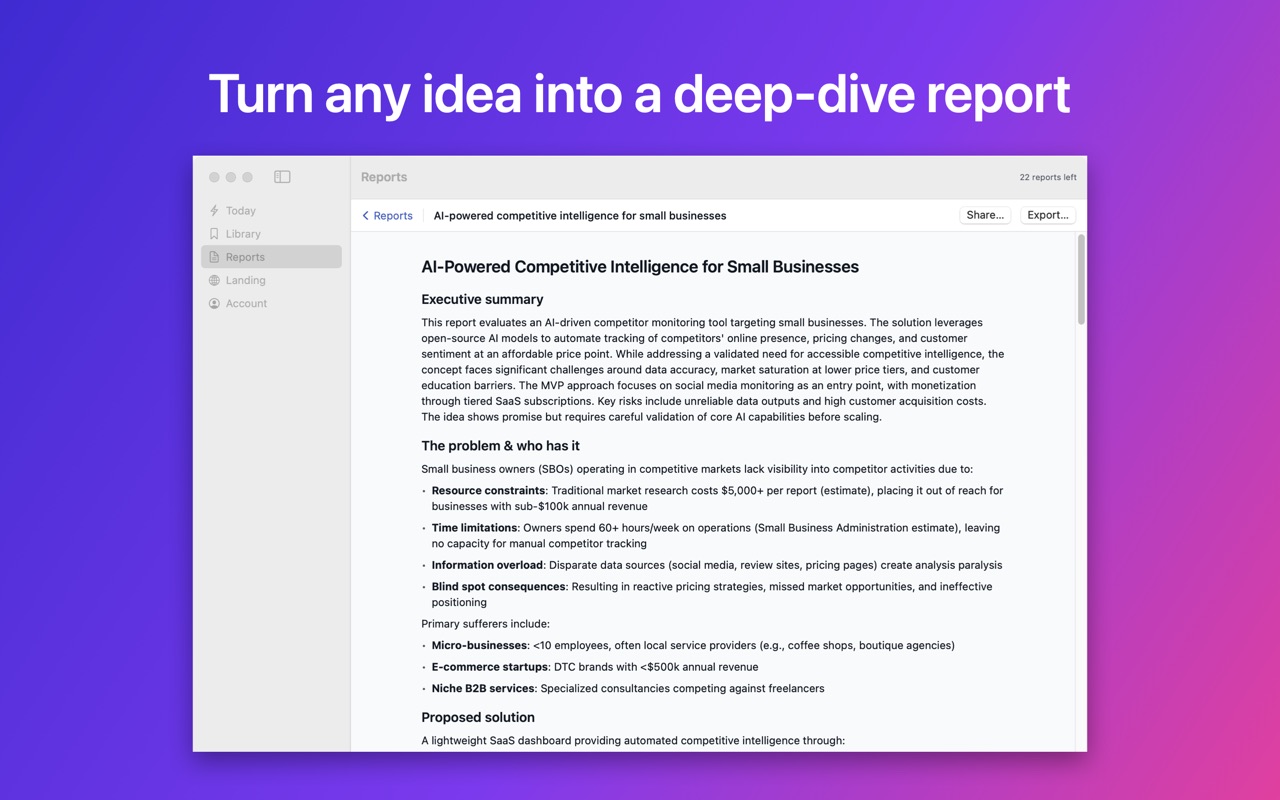
A native app, not a web page in a window. Today's idea lives in your menu bar, and the full feed, reports and landing pages are a keystroke away.
Free download · Requires macOS 14 or later
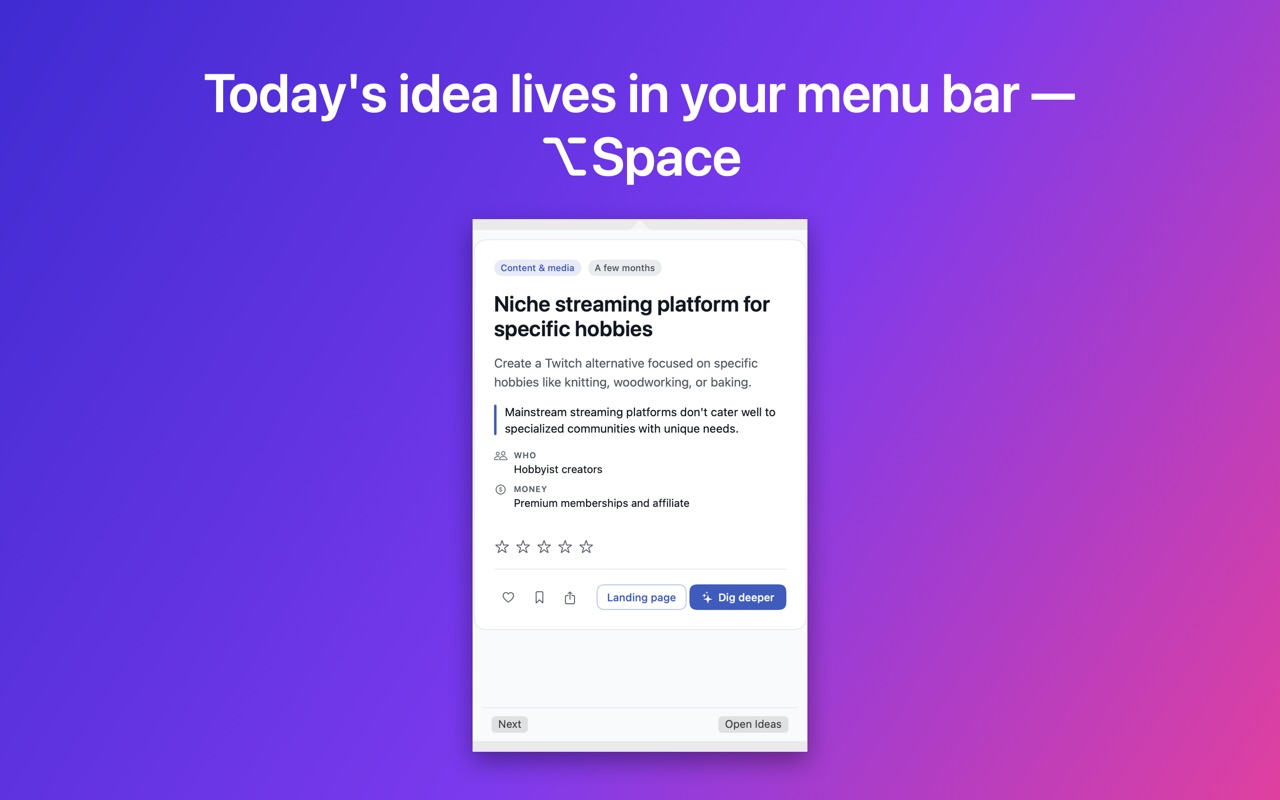
Lives in your menu bar
Today's idea is one click away, without opening a browser tab.
⌥Space from anywhere
A global hotkey brings the panel up over whatever you're working on.
Keyboard-first
Move with J and K, like with L, save with S, rate with 1–5 — no mouse needed.
Nine languages
The interface speaks nine languages, with light and dark themes to match your Mac.

Ideas for iPhone
A full-screen feed built for one thumb, plus a few things only a phone can do. We're putting the finishing touches on it.
One idea per screen
Swipe up for the next idea, double-tap to like it.
Is it a fit for me?
Fill in your founder profile and every idea gets a fit score, with the strengths and gaps behind it.
Home Screen widget
Your best-matching idea of the day, right on your Home Screen.
A daily nudge
An optional daily notification when fresh ideas land.
Questions about the apps
- Is the Mac app free?
- Yes. Downloading it and browsing the feed are free, and you can like, save and rate ideas without an account. Only AI output — deep-dive reports and landing pages — uses credits.
- Is it the same account as the website?
- Yes. Your saved ideas, reports, landing pages and credits follow you between the website and the app.
- When is the iPhone app coming?
- Soon — it's in final preparation for the App Store. This page will link to it as soon as it's live.
- What do the apps require?
- The Mac app needs macOS 14 or later and an internet connection. The iPhone app will need iOS 17 or later.